
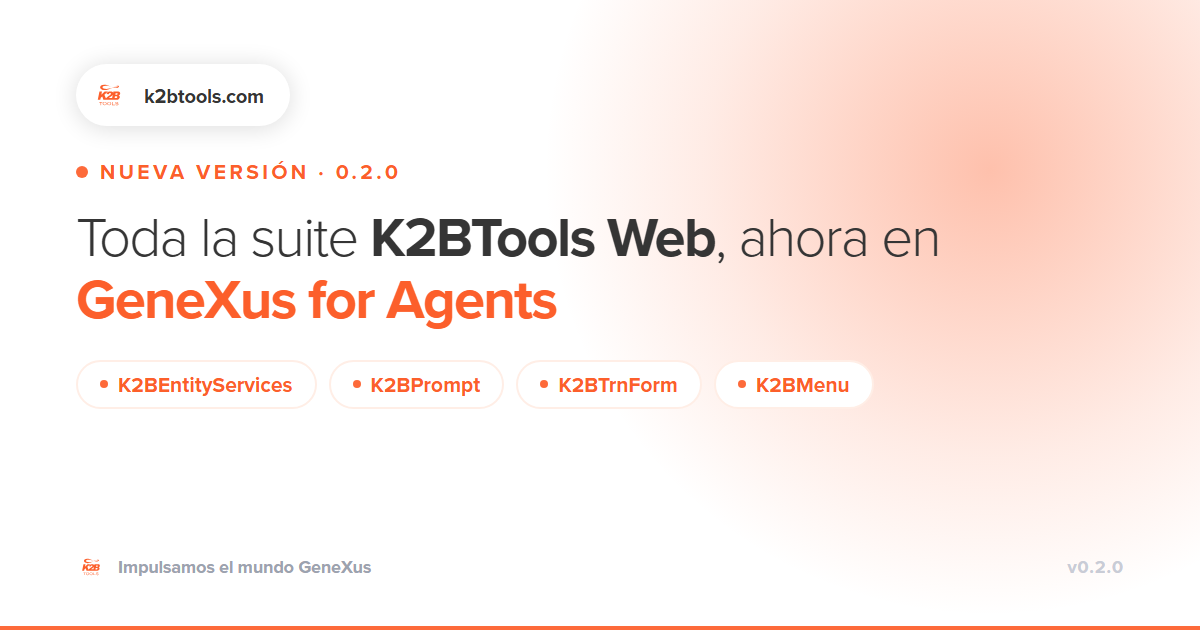
We have released version 0.2.0 of K2BTools for GeneXus for Agents, with full support for K2BEntityServices, K2BPrompt, K2BTrnForm and K2BMenu.
What’s new
In the first version, the agent could already work with the Web Panel Designer and modify existing K2BEntityServices instances. With version 0.2.0, the remaining patterns are now available:
- K2BEntityServices: full pattern support, no longer limited to modifying existing instances.
- K2BPrompt: selection prompts generated using the same conventions your team already follows.
- K2BTrnForm: transaction forms with the standard structure and behaviour of K2BTools.
- K2BMenu: application menus and navigation, ready to integrate with the rest of your objects.
This means that everything you currently build with K2BTools Web from the IDE can now also be requested in natural language through Claude Code, Coda, Kiro, Cursor, VS Code with Copilot or Windsurf.
Why it matters
Having an agent read your Knowledge Base is already useful. What really changes day-to-day development is having it build using the same patterns and rules your team already follows.
That is what K2BTools skills are designed for: they give the agent the context of the suite, so everything it generates is aligned with the rest of the project from the very beginning, without having to correct it afterwards.
If you already use K2BTools, getting started with GeneXus for Agents is the most direct way to accelerate your development. The investment you have made in patterns and standards carries over directly into the agentic development workflow.
What you need to get started
- GeneXus for Agents (standalone) installed.
- An active coding assistant (Claude Code, Coda, Kiro, Cursor, VS Code with Copilot or Windsurf).
- GeneXus 18 Upgrade 12 or later.
- K2BTools 16.
Installation involves two steps: unzip the Business Logic (BL) package into the GeneXus for Agents server folder, and install the skills for your coding assistant by following the included Install.md. The complete step-by-step guide, including the downloads, is available on the wiki:
If you were already using it
Update both GeneXus for Agents and K2BTools to the latest version, including both components: the server BL package and the coding assistant skills. The new patterns are only available when both are updated.
One important note
The integration is still in beta. As with any code generated by a language model, review, build and test the objects before taking them into production. This quality-control process is the same one you already apply today; the difference is how quickly you can have the object ready for review.
Tell us how it goes
If you have any questions or run into an issue, contact us at support@k2btools.com. Your feedback helps determine what we prioritise in upcoming versions.
Want to see it on your KB?
Let’s see how GeneXus for Agents and K2BTools can be applied to your project, with your own patterns in action.
.jpg)

